Is my phone unlocked? How to check, and how to get a carrier lock removed
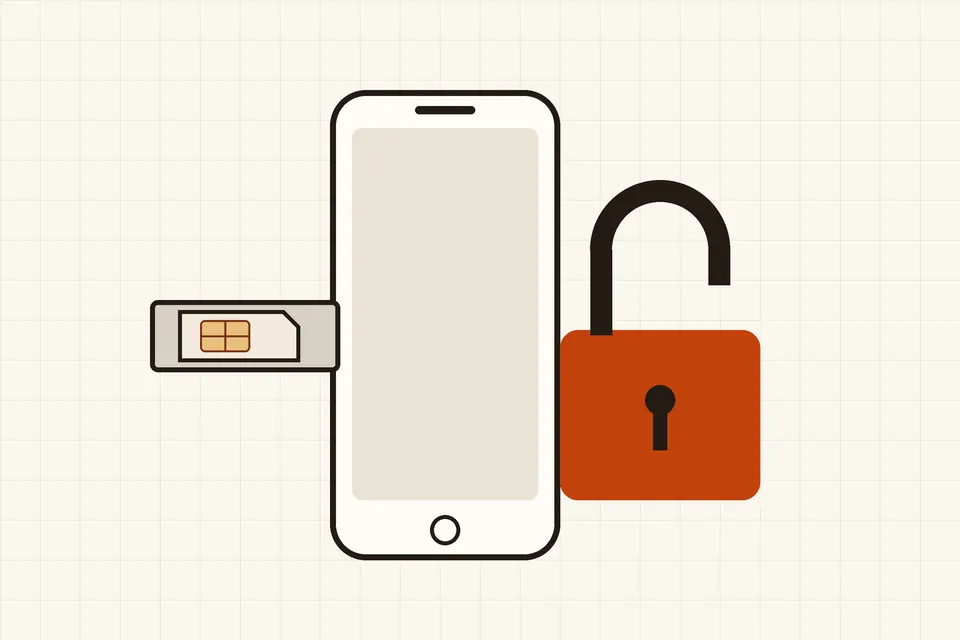
A phone that is "locked" will only work with SIM cards and eSIMs from the operator that sold it. You usually find out at the worst moment: at an airport kiosk abroad, or after buying a used phone that refuses your SIM. Checking takes a minute, and in many countries getting the lock removed is free.
What a carrier lock is, and what it is not
A carrier lock (also called a network lock or SIM lock) is a software restriction that ties the handset to one operator's network. Operators apply it to phones they sell at a discount or on instalments, so that the phone stays on their network at least until it is paid off. The phone still works normally with that operator's SIM; it simply rejects others.
Several other "locks" are often confused with it, and none of them is removed by a carrier unlock:
- SIM PIN. A four- to eight-digit code that protects the SIM card itself. It travels with the SIM, not the phone.
- Activation lock. On iPhones, Find My ties the phone to the owner's Apple Account; many Android phones have a similar factory reset protection linked to a Google account. Only the previous owner can remove it, by signing out or removing the device from their account.
- Blocked device. A phone reported lost or stolen can be blocked by its identifier (the IMEI) on operators' shared lists. It may refuse service on every network, unlocked or not.
How to check whether your phone is locked
On an iPhone
Go to Settings > General > About and scroll to the row named Carrier Lock. If it says "No SIM restrictions", the phone is unlocked. Any other wording means it is still tied to an operator. The row has been there since iOS 14; on older versions, use the SIM test below.
On an Android phone
There is no single menu that works on every brand. Some manufacturers show a "network lock" or "SIM lock" status in the settings, but the reliable test is the same for all of them:
- Borrow a SIM from a friend on a different operator (or use a travel SIM you already own).
- Switch the phone off, swap the SIM, and switch it back on.
- If the phone shows the other operator's name and can make a call, it is unlocked. If it asks for a "network unlock PIN", says the SIM is not supported or not valid, or shows no service where the other phone has signal, it is locked.
A dual-SIM phone can be checked the same way in the second slot or with a second eSIM. A locked phone usually rejects a second operator in either slot, so dual SIM does not get round the lock. Our eSIM guide explains why an eSIM profile is refused for the same reason as a physical card.
How to get a phone unlocked
Only the operator that locked the phone can unlock it properly. The usual route:
- Check you are eligible. Operators commonly require the phone to be fully paid off (no remaining instalments or contract fee for the device), the account to be in good standing, and the phone not to be reported lost or stolen. Where the law sets the conditions, they are described in the next section.
- Request the unlock. Most operators have an online form, an option in their app, or a customer service line. Have the IMEI ready: dial
*#06#on the phone to display it, or find it in the "About" settings. - Apply it. iPhones are generally unlocked remotely: once the operator confirms, inserting a different SIM (or restarting) completes the change. Many Android phones are unlocked with a code that you type when a SIM from another operator is inserted. Follow the operator's instructions exactly; some phones allow only a limited number of wrong code entries.
- Confirm. Repeat the check above before you travel or sell the phone.
Be wary of paid "unlocking services" that are not your operator. Some only change what the phone displays, some depend on methods that the operator can later reverse, and none can lift a blocked IMEI or an activation lock.
What the rules say, country by country
United Kingdom
In October 2020 the communications regulator Ofcom decided that mobile operators would no longer be allowed to sell locked handsets, with the ban taking effect in December 2021, as part of a package of measures to make switching provider easier (Ofcom, Fair treatment and easier switching for broadband and mobile customers, statement of 27 October 2020). A phone bought new from a UK operator since then should be unlocked; older phones bought locked may still need an unlock request.
Canada
The Canadian Radio-television and Telecommunications Commission revised its Wireless Code in June 2017. Since 1 December 2017, newly sold devices must be provided unlocked, and individual and small business customers can have an existing device unlocked free of charge on request (CRTC, "CRTC puts an end to locked cellphones and unlocking fees", news release, 15 June 2017).
United States
The Unlocking Consumer Choice and Wireless Competition Act of 2014 confirmed that consumers may unlock their own phones, but there is no general federal rule forcing operators to unlock quickly. Most operators follow the voluntary unlocking commitments in the CTIA Consumer Code for Wireless Service: postpaid phones can be unlocked on request once the contract, financing plan or early termination fee is paid, and prepaid phones no later than one year after activation.
Verizon was the exception: licence conditions dating from 2007 required it to unlock its handsets 60 days after activation. On 12 January 2026 the FCC's Wireless Telecommunications Bureau granted Verizon a waiver of that rule, leaving it subject to the industry's voluntary code until the Commission decides on an industry-wide approach (FCC order DA 26-43). That industry-wide approach is the subject of a 2024 proposal to require all mobile providers to unlock phones 60 days after activation (Federal Register, 8 August 2024, WT Docket No. 24-186), which had not been adopted when the FCC issued later waiver orders in June 2026. Check the FCC's handset unlocking page for the current position.
European Union
There is no EU-wide rule on handset locking; it is left to national law and to operators' contracts. In practice, most phones sold in the EU outside operator subsidy deals are unlocked, but phones sold with a contract may be locked for a period. If your operator refuses to unlock a phone you have paid for, your national telecoms regulator or consumer body is the place to complain.
Before you travel
A locked phone is the most common reason a local SIM or travel eSIM "doesn't work" abroad. Check the lock status at home, while you can still call your operator easily, and ask for the unlock at least a few days before you leave, since some requests take time to process. If the phone cannot be unlocked in time, roaming on your own SIM, Wi-Fi calling or calling apps over Wi-Fi remain available; our comparison of ways to call abroad sets out their costs and limits.
Before you buy or sell a used phone
- Buying: check the Carrier Lock row (iPhone) or test with your own SIM before paying. Ask the seller to show that Find My or the Google account has been removed. A listing that says "unlocked" without either check is a claim, not a fact.
- Selling: request the unlock from your operator first, then sign out of your accounts, remove the phone from Find My or your Google account, and reset it to factory settings. An unlocked phone is easier to sell and avoids a buyer coming back to you.
- Either way: make sure the model supports the bands and features you need; an unlocked phone can still lack VoLTE or Wi-Fi calling on another operator, as explained in our guide to what makes a phone work well for calls.
Quick checklist
- iPhone: Settings > General > About > Carrier Lock says "No SIM restrictions"?
- Android: does a SIM from another operator connect and make a call?
- Phone paid off and account in good standing before you request the unlock?
- IMEI noted (
*#06#) for the request? - Activation lock or Google account removed on any used phone?
Unlocking changes which networks your handset accepts, not who owns your number. To move the number itself to another provider, see our guide to keeping your number when you switch.
 Calling abroad
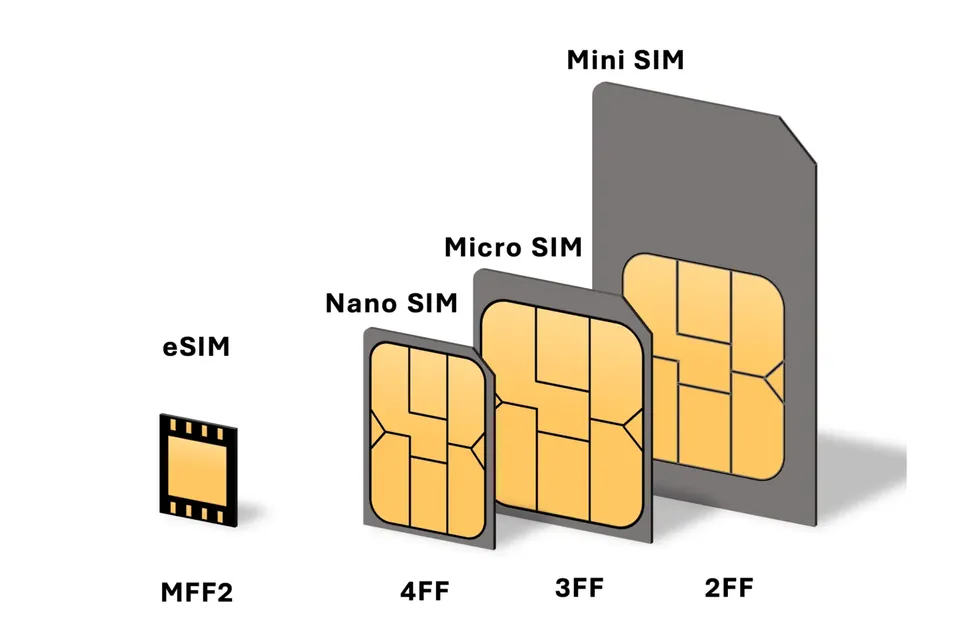
eSIM explained
How eSIM profiles are downloaded, which phones support them and what to check before travelling.
 Calling abroad
Calling abroad compared
Roaming, local SIMs, travel eSIMs, Wi-Fi calling and apps: costs and catches side by side.
 Phones and numbers
Phones that call well
Operating system support, background limits, carrier settings and Bluetooth headsets.